Understanding Why CNC Quotes Vary
If you’ve ever asked for a CNC part quote and wondered why one comes in significantly higher than another, you’re not alone. CNC machining costs can seem confusing, especially if you’re comparing different quotes. The key is understanding what truly drives the price — and why some quotes seem inflated because of overdesign or unnecessary complexity.
Why One CNC Quote Is Higher Than Another
Several factors influence CNC quote differences, including:
- Material choice: Premium materials cost more and take longer to machine.
- Part complexity: Intricate features mean more setup time and tooling.
- Tight tolerances: Stricter specs increase inspection and machining effort.
- Number of setups: Multiple flips and re-fixturing add to the price.
- Finish requirements: High-quality surface finishing or secondary operations cost more.
What Really Drives CNC Machining Cost
Understanding the main cost drivers helps you see why some quotes are higher:
- Design complexity: More complex shapes need extra tools and setups.
- Material selection: Harder or specialty materials take longer and wear tools out faster.
- Tight tolerances: Smaller tolerances mean slower, more precise machining.
- Number of setups: Each setup adds time and labor.
- Surface finish and secondary ops: Fancy finishes or coatings require additional steps and equipment.
Cheap Quote vs Realistic Quote
A low-priced quote might sound great, but it can hide potential issues:
- It may cut corners on tolerances or finish.
- It often overlooks overdesign points that quietly increase costs.
- A realistic quote includes all necessary steps to meet specs and quality, saving you money in the long run.
Why Overdesign Quietly Increases Cost
Overdesign might seem minor at first, but it can silently make your CNC parts more expensive:
- Extra features mean longer machining time.
- Unnecessary tight tolerances increase inspection and scrap.
- Overly complex geometry demands more setups and tooling.
- Premium materials or finishes add costs without added value.
- Multiple setups and secondary finishes inflate labor and machine use.
Keeping overdesign in check is key to controlling CNC machining costs, making your project more budget-friendly without sacrificing quality.
Overdesign Point 1: Tight Tolerances
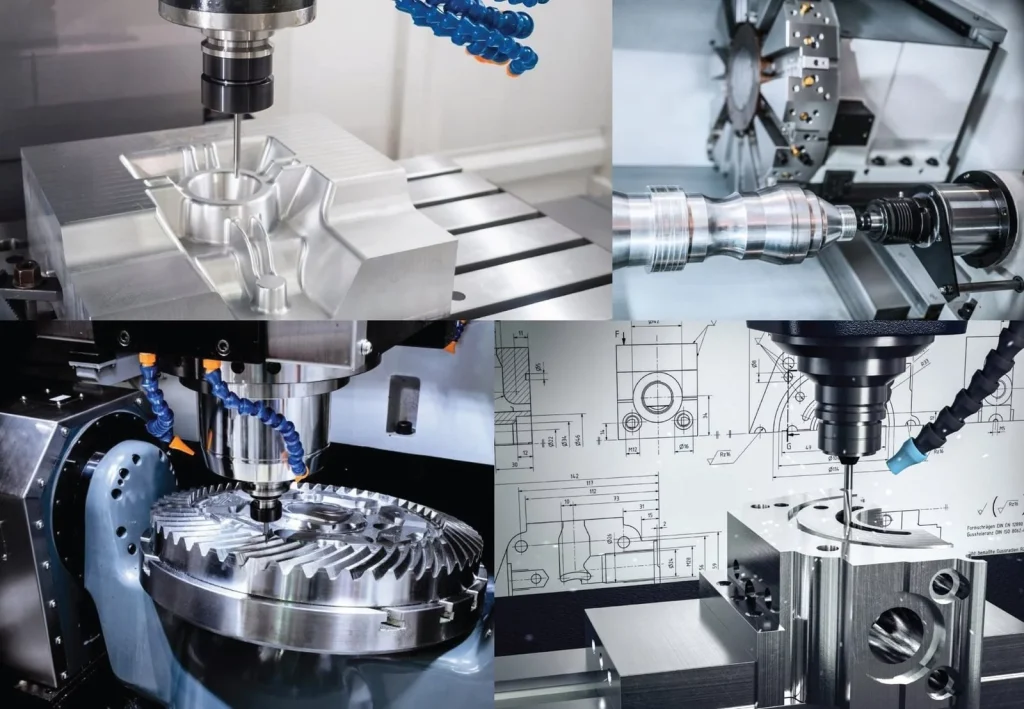
Setting tight tolerances on CNC parts for non-critical features can significantly drive up costs. While precision is important for some aspects, applying strict tolerance requirements where they aren’t needed adds unnecessary expense. Every decimal point in your tolerance specifications increases the amount of inspection time, raises scrap risk, and results in slower machining processes. These factors all contribute to a higher CNC machining cost.
To keep costs in check, it’s smart to relax tolerances on features that don’t impact functionality. For example, if a surface doesn’t influence the part’s fit or performance, loosening the tolerance can save money without sacrificing the part’s performance. A good rule of thumb: target tight tolerances only where they truly matter, and work with your manufacturer to identify which features can accept broader tolerances. This approach helps balance precision with cost efficiency in your CNC projects. For more insights on optimizing tolerances, check out our CNC machining cost factors.
Overdesign Point 2: Complex Geometry
When your part involves complex geometry—like deep pockets, undercuts, or very thin walls—it immediately drives up the CNC machining cost. These intricate features often require multiple setups, specialized tooling, and more time to machine accurately. For example, undercuts may need custom fixtures or even secondary machining processes, which increases both labor and scrap risk. Decorative features or unique contours can also extend machining time, making the quote higher than for simpler designs.
To keep costs in check, consider simplifying the geometry where possible. Basic shapes, fewer undercuts, or reducing the number of complex features can significantly lower machining expenses. Sometimes, just rounding edges or eliminating tight internal features can make a huge difference. Thinking about manufacturing early during the design phase really helps optimize the part for cost-effective CNC machining, saving you money without sacrificing essential function. For more tips on designing for machinability, check out our Design for Manufacturability (DFM) tips.
Overdesign Point 3: Material Choice
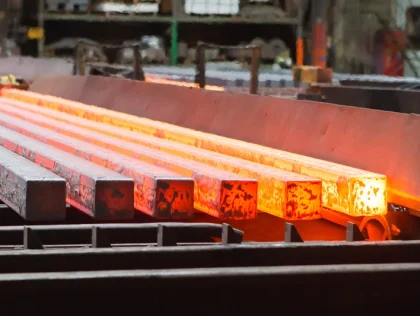
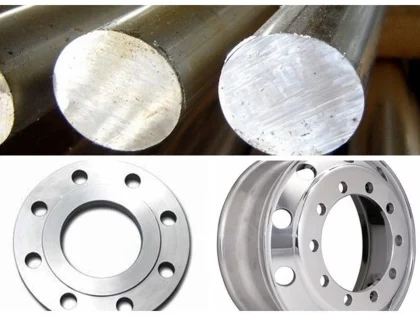
Using premium alloys when they’re not needed can significantly drive up your CNC machining costs. High-end materials like titanium or specialty steels often come with increased purchase prices and more difficult machinability, which means longer cycle times and higher labor costs. In many cases, standard materials like aluminum or basic steels can do the job just fine, saving you money without sacrificing strength or durability.
Another common issue is oversized stock or wasted material. Sometimes, designers specify larger-than-necessary raw stock, forcing the machine to remove more material and increasing overall machining time. Choosing the right size of stock reduces waste and shortens production cycles, which keeps costs manageable.
Balancing strength, machinability, and cost is key. Materials that are easy to machine with the right properties—like certain aluminum alloys or softer steels—can save a lot on setup and tooling time. For example, alloy CNC machining services can help you find the best material options for your project that meet your strength requirements without overspending.
Ultimately, selecting the right material involves understanding your part’s real functional needs and finding a balance between cost and performance. Good material choice isn’t just about the cheapest option but about optimizing for both cost-effectiveness and durability.
Overdesign Point 4: Multiple Setups and Poor DFM
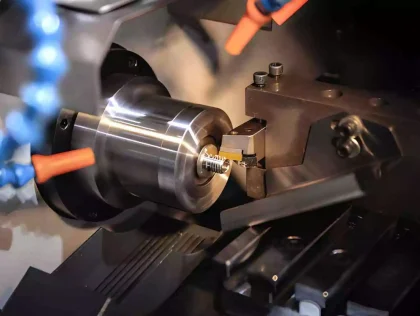
One major factor that can drive up your CNC part quote is poor design for manufacturability (DFM). When features force multiple setups—like flipping the part or repositioning it—it adds to both time and cost. Each additional setup involves changing tools, re-clamping, and more inspection, which all increase the overall price.
Why setup changes matter:
- Every flip or re-positioning adds machining time.
- More setups mean more labor and machine idle time.
- Increased risk of errors or misalignment—adding scrap costs or delays.
Tool access and standard machining limits:
- Some designs block standard tool paths, forcing custom fixtures or specialized tooling.
- Features like undercuts or deep cavities can limit access.
- Simplifying shapes or avoiding difficult features helps keep costs down.
Designing for single-setup machining:
- Arrange features to be machined in one clamping—think: flat, accessible surfaces.
- Use standard features and less complex geometries.
- Keep critical dimensions in easily reachable areas.
For tips on designing parts that minimize setups, check out this DFM checklist. Making these changes upfront ensures a more cost-effective CNC machining process and prevents your quote from skyrocketing due to poor design choices.
Overdesign Point 5: Surface Finish and Secondary Operations
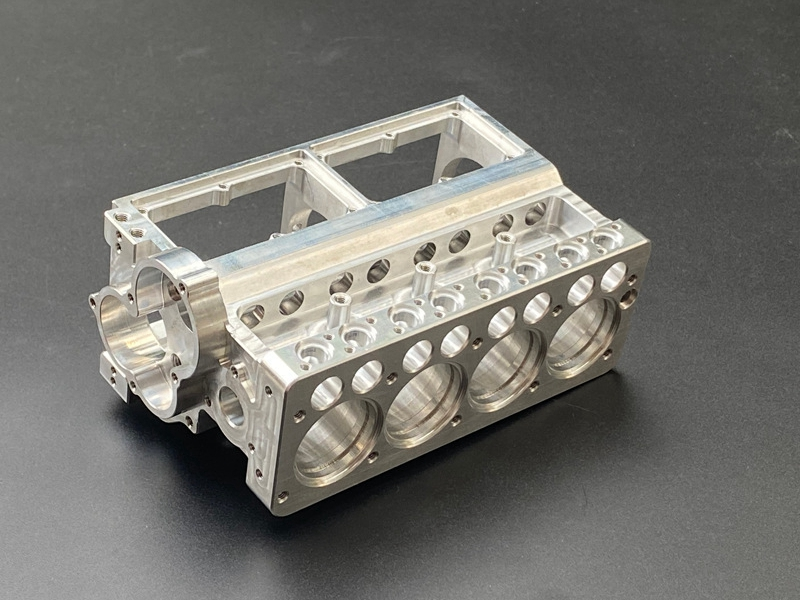
One common way CNC part quotes get more expensive is through overdesign related to surface finish and secondary operations. Often, customers specify overly strict Ra (roughness average) requirements or cosmetic specs that aren’t necessary for the part’s function. This drives up machining time and cost because achieving a smoother or more refined surface requires additional polishing, grinding, or finishing steps.
Similarly, unnecessary plating, heat treatment, or coating can significantly increase costs, especially if these processes aren’t needed for strength or corrosion resistance. These extra steps add to labor, materials, and turnaround time. It’s also easy to overlook hidden surfaces that don’t need a premium finish—resources spent on finishes where they aren’t visible or functional just inflate the quote.
To keep costs down, it’s best to specify surface finish requirements only where they truly matter. For example, functional areas that contact other parts or those that need cosmetic appeal should get proper finish treatment, while internal or hidden surfaces can often be left more basic. Properly defining where a premium finish is necessary helps eliminate unnecessary costs and makes your CNC machining project more cost-effective. For tips on how to specify finishes effectively, check out this CNC machining quality guide.
How MS Machining Helps Reduce Overdesign Costs
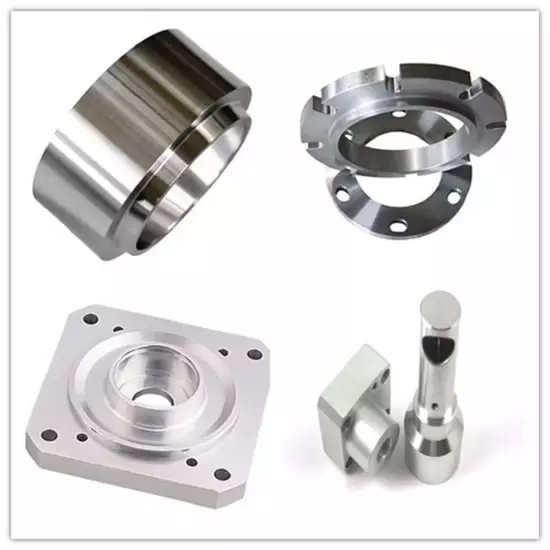
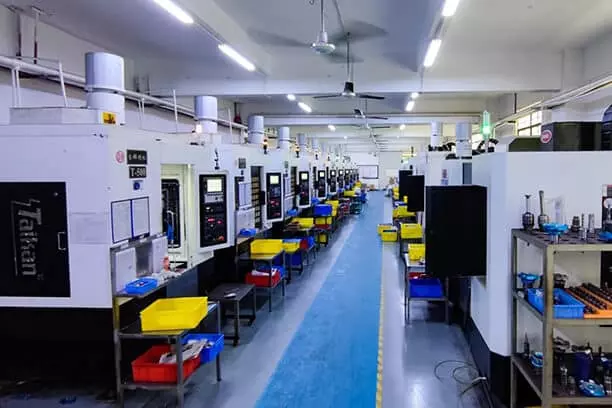
At MS Machining, we believe that a clear, accurate CNC quote is crucial to keeping your project within budget. That’s why we focus on providing detailed quotes that highlight important cost factors like tolerances, complex geometry, and material choices. Our goal is to help you identify where overdesign might be creeping in and suggest ways to optimize your design for manufacturing.
A good CNC quote review should include an in-depth analysis of your CAD files, highlighting potential issues that could increase costs—like unnecessary tight tolerances or complex features that could be simplified. We offer DFM (Design for Manufacturability) feedback before production starts, which allows you to make adjustments early, avoiding surprises and costly revisions later.
Transparency is key in protecting your budget. By clearly explaining each cost driver, we help you understand where your money goes—whether it’s for multiple setups, premium materials, or secondary finishes. Early collaboration with our team ensures your design aligns with manufacturing best practices, ultimately saving you money long-term. When you work with MS Machining, you’re not just getting a quote; you’re gaining a partner committed to optimizing your CNC parts for performance and cost-efficiency.
How to Get a Better CNC Quote Next Time
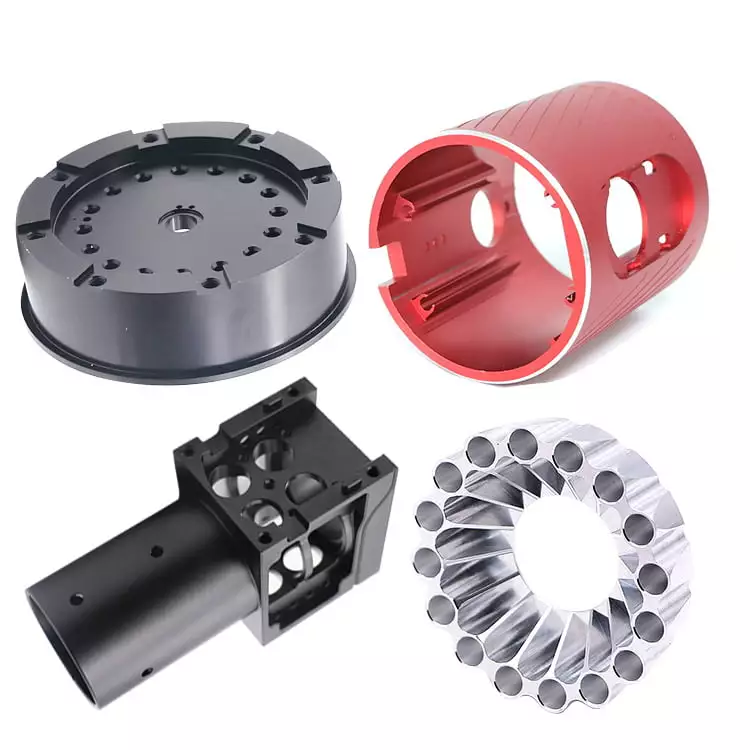
Getting an accurate, cost-effective CNC quote is easier if you know what to check before requesting it. Use a simple CNC DFM (Design for Manufacturability) checklist to identify design overdesign points that can drive up your costs unnecessarily.
A Quick CNC DFM Checklist
- Relax tight tolerances on non-critical features.
- Simplify complex geometry, such as undercuts or deep pockets.
- Choose the right material instead of premium alloys you don’t need.
- Design for single-setup machining to avoid multiple fixturing and setups.
- Specify finish only where necessary to keep secondary operations minimal.
What to Change Before Requesting Quotes
- Adjust tolerances to acceptable levels without sacrificing function.
- Simplify shapes—remove unnecessary features or decorative elements.
- Use standard material sizes to reduce waste and tooling costs.
- Look for opportunities to reduce the number of setup changes.
- Limit premium finishes to critical surfaces only.
When to Ask for a Design Review
It’s a good idea to request a CNC machining design review early in the process, especially if your part has tight tolerances or complex geometry. An experienced CNC shop can spot overdesign points that quietly increase costs and suggest cost-saving modifications. This proactive step not only improves your quote accuracy but also helps you avoid surprises later.
How to Compare Quotes the Smart Way
- Check the breakdown: Does the quote clearly show costs for material, tooling, setups, and secondary operations?
- Assess design implications: Are there suggested modifications to reduce costs without hurting the part’s function?
- Look for transparency: A good CNC shop will explain what influences the price—like overdesign points or tight tolerances—making it easier for you to decide.
By focusing on these key steps, you can ensure your next CNC quote aligns well with your budget and your part’s intended use. For extra guidance on minimizing overdesign costs, consider reviewing your part’s design with a trusted partner like MS Machining, where they offer helpful DFM feedback before production begins.