
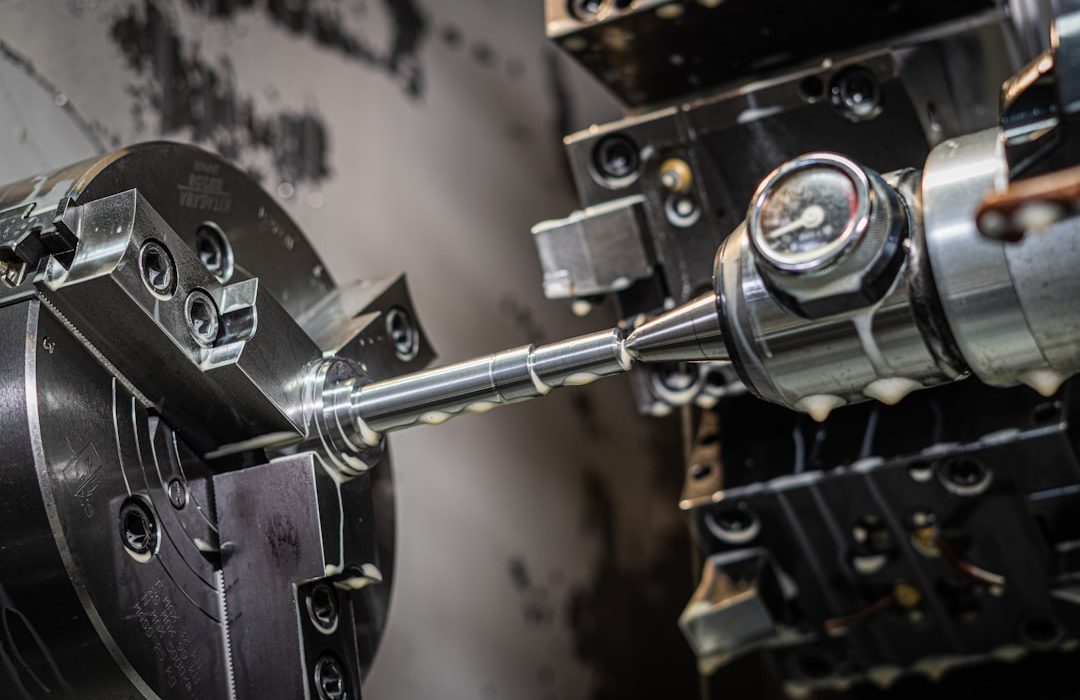
CNC machining represents an accessible entry point into the world of precision manufacturing. For those new to the field, grasping the fundamentals of Computer Numerical Control (CNC) opens up significant opportunities to create high-quality parts with remarkable accuracy. This guide covers everything a beginner needs to know, from basic concepts to practical considerations for getting started. Whether you are a hobbyist, student, or small business owner, mastering these principles will help you utilize this technology effectively in your projects.
The term “CNC” refers to the automated control of machining tools through programmed commands. Typically, this involves processes such as milling, turning, and drilling guided by precise digital instructions. This technology has democratized manufacturing, making it possible for newcomers to achieve results that once required years of manual skill development. By starting with these basics, you can build confidence and progressively tackle more complex projects as your knowledge grows.
Fundamental Concepts for Beginners
Learning the core principles starts with understanding coordinate systems and machine axes. Most machines operate on X, Y, and Z axes, while advanced models incorporate additional rotational axes for greater flexibility. G-code serves as the programming language that dictates machine movement and operation. Familiarizing yourself with these elements provides the foundation for interpreting and creating programs in precision manufacturing.
Material selection is equally crucial. Different metals, plastics, and composites behave uniquely during cutting, affecting tool choice, speeds, and feeds. We recommend starting with more forgiving materials, such as aluminum or common engineering plastics, before progressing to harder alloys. Understanding material properties helps prevent common mistakes and ensures better outcomes in entry-level applications.
Basic Machine Types
CNC mills and lathes are the most common machines encountered when starting out. Mills excel at creating flat surfaces and complex 3D contours, while lathes are ideal for cylindrical parts. Understanding the strengths of each helps in selecting the appropriate setup for specific project needs. Many educational programs and makerspaces now offer access to these machines, providing the hands-on experience essential for skill development.
Safety Practices
Safety is the cornerstone of precision machining. Proper training on machine operation, tool handling, and emergency procedures is mandatory. Always wear appropriate personal protective equipment and maintain a clear, organized workspace. Understanding the capabilities and limitations of your equipment helps prevent accidents and ensures a positive learning experience from the start.
Design Considerations
Successful outcomes depend heavily on thoughtful design practices. Features such as wall thickness, hole sizes, and internal radii must be considered to ensure Design for Manufacturability (DFM). Using CAD software allows for visualization and simulation before machining begins, significantly reducing errors and material waste.
Regarding tolerances, remember that tighter specifications increase costs and production time. Specifying only what is necessary for the application is a balanced approach that optimizes both functionality and economics. Learning to read technical drawings builds the essential skills required for effective communication with your manufacturing partners.
Common Processes and Tooling
Milling is the backbone of many projects, involving the removal of material with rotating cutters. Turning, performed on lathes, creates symmetrical round parts, while drilling and tapping create holes and threaded features. Familiarizing yourself with post-processing options—such as deburring and polishing—is key to achieving a professional finish.
Selecting the right cutting tools is also vital. End mills, drills, and inserts come in various geometries suited to specific applications. Beginners benefit from learning about tool life management and proper operating parameters to maximize efficiency and part quality.
Software and Programming Essentials
CAM software transforms CAD designs into machine-readable code. For those new to the field, many user-friendly CAM solutions offer simplified interfaces designed specifically to streamline the workflow. Understanding file formats and data exchange between the design and manufacturing stages ensures compatibility and a smoother transition from concept to finished product.
Building Skills and Selecting a Provider
Developing proficiency follows a natural learning curve. Starting with simple 2D profiles and progressing to 3D contouring allows for gradual growth. Documenting your projects and learning from both successes and challenges will accelerate your improvement.
When selecting a service provider, look for partners who demonstrate patience and are willing to offer guidance. Evaluating a shop’s capabilities, lead times, and quality systems helps ensure a positive experience. Building relationships with knowledgeable providers creates a valuable support network for ongoing learning.